我看完了周星驰的喜剧之王。说实话,这部片子,不知道如何评价,如果要我简短的描述,就是在说:一个男人只要对一件事足够专注、认真,就能被两个漂亮的女生深爱着。至少这个电影里的观点是这样。不过如果现实真的如此的话,也挺美好的。
说到专注,我最近正在专注着vibe coding一个gui框架。我干脆直接放图片吧。
这是我写的一个示例。
#include <xlgui/xlgui.hpp>
#include <fmt/format.h>

using namespace xlgui::dsl;
namespace xl=xlgui;

int main()
{
    xl::Application app("dick", 1280, 720);
    app.SetWindowBackdrop(xl::WindowBackdropType::Acrylic, xl::IsSystemDarkMode());
    app.SetBackdropTint(Color::Transparent);

    Ref<int> count = 0;

    app.SetRoot({
        Tab("l", {
            TabItem("🤕 大鸡巴", {
                VStack({
                    Text("H1"),
                    HStack({
                        Button("Click"),
                        Button("Hover"),
                        Button("Love").bg("#d52828"),
                    }),
                }).fill().select("Button").fontSize(20)
            }),
            TabItem("🤣 猛火", {
                VStack({
                    Text("Page"),
                    HStack({
                        Button("Click").onclick([](){
                            Modal::Show("", "bro why you clicked me?");
                        }),
                        Button("Hover"),
                        Button("Love").bg("#d52828"),
                    })
                }).fill(),
            }),
            TabItem("😍 爆操", {
                VScrollView({
                    Wrap({
                        Text([count](){return fmt::format("{}", *count);})
                            .fontSize(62).width(100_vw)
                    }).id("test").onReady([&count](Widget* w){
                        auto ib = std::make_shared<xl::InputBox>();
                        w->AddChild(ib);
                        for (size_t i = 0; i < 10000; i++) {
                            auto btn = std::make_shared<xl::Button>(fmt::format("{}", i));
                            btn->onclick([&count, i](){
                                count+=i;
                            });
                            w->AddChild(btn);
                        }
                    })
                }).size(Length::Auto, 100_pct)
            }),
        }).tabArea([](xl::TabBarArea& bar) {
            bar.backgroundColor(Color::Transparent).border(0, 0);
        }).contentArea([](xl::TabContentArea& content) {
            content.radius(16, 0, 0, 0).padding(20, 12, 0, 0);
        })
    });

    app.onresize([&app](int w, int h){
        if (w <= 1280)
        {
            app.getRoot<xl::TabBox>()->Bottom();
        } else if (app.getRoot<xl::TabBox>()->tabPosition == TabPosition::Bottom) {
            app.getRoot<xl::TabBox>()->Left();
        }
    });

    app.Run();
}
$$\downarrow$$
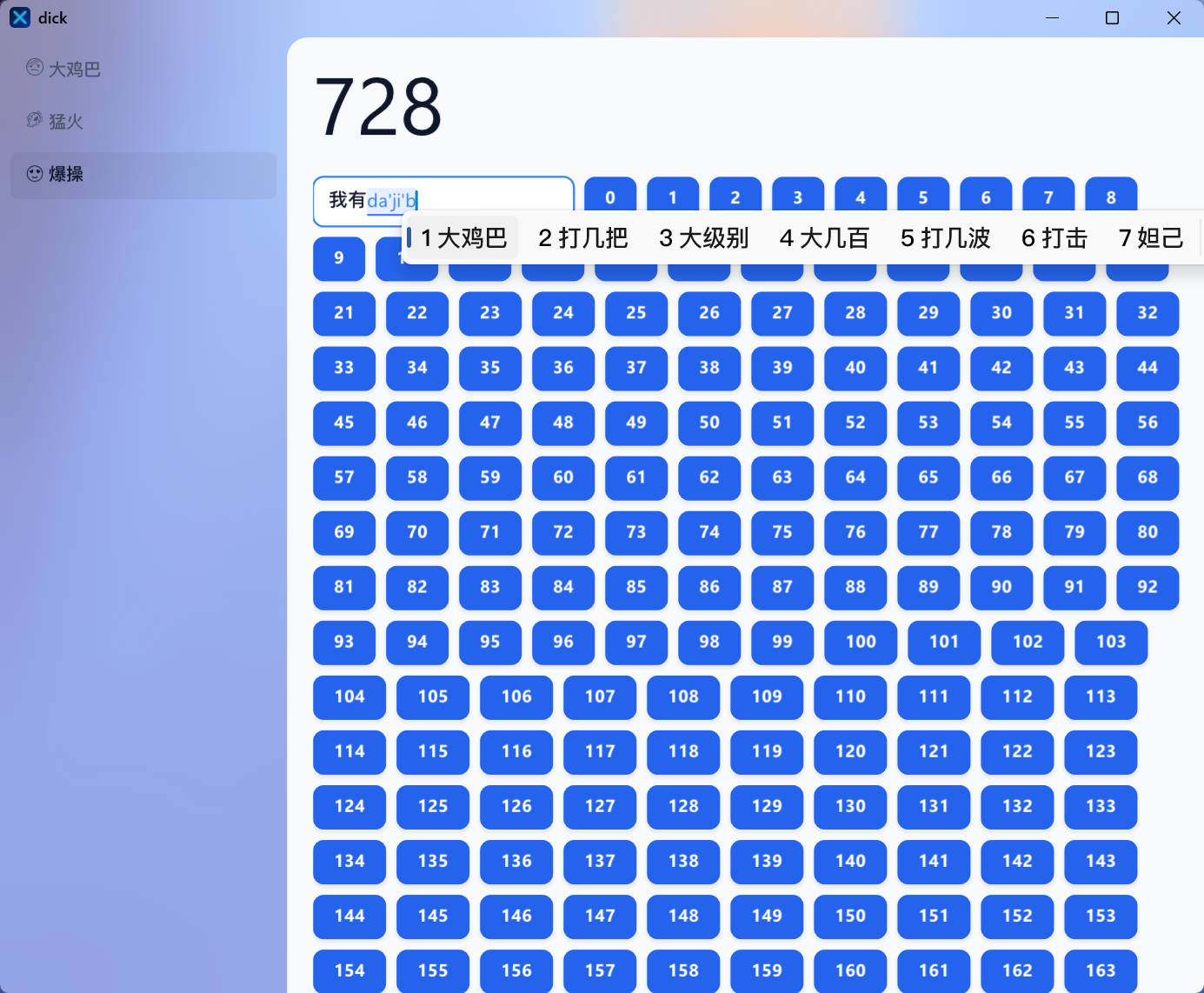
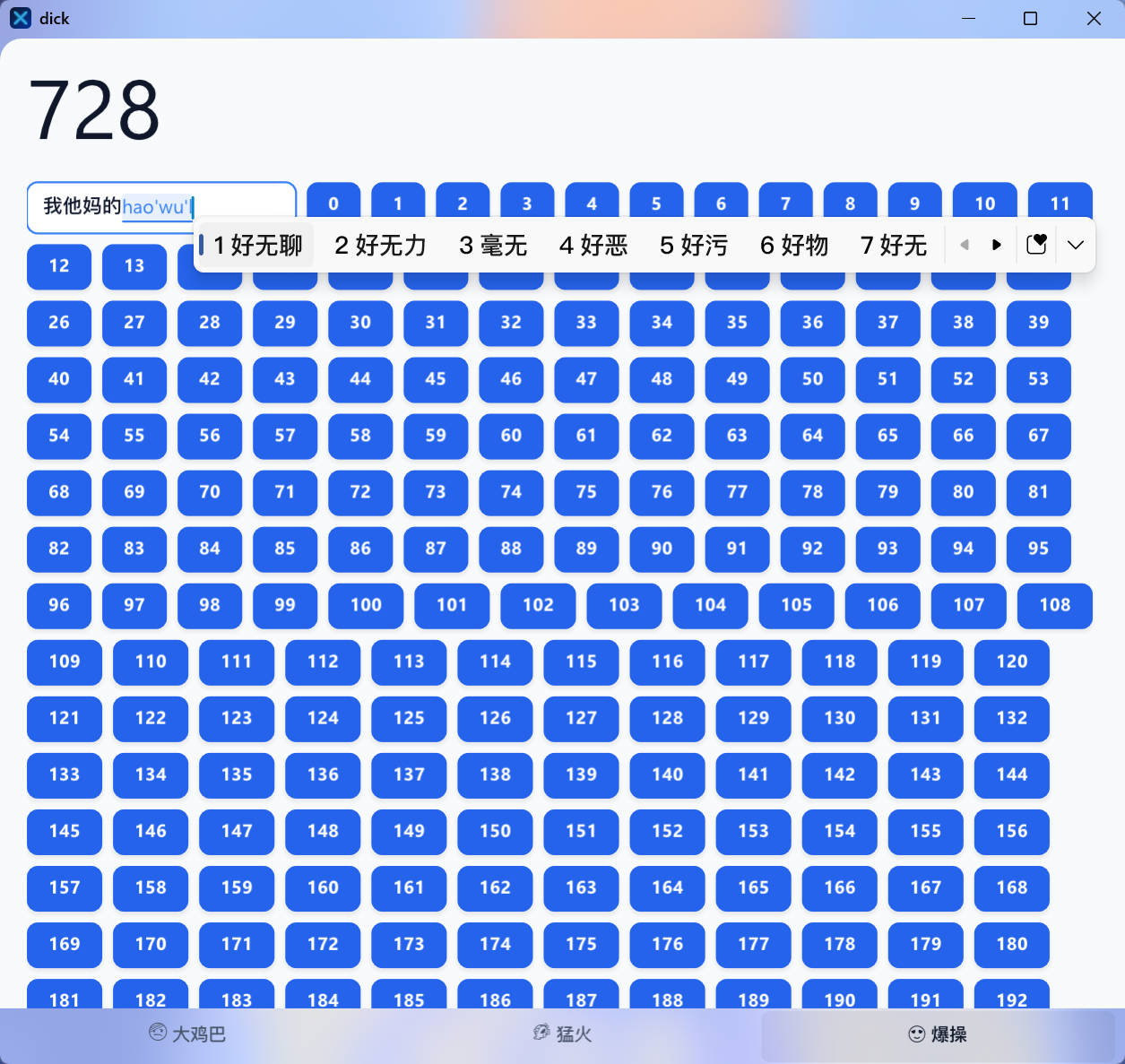
即使在没有用这个gui的虚拟列表的情况下,10000个button在wrap中,滚动也依然流畅,ram占用77mb,无事件时0% cpu与gpu占用。
此外,我还做了Canvas和GLCanvas。
话说回来,nanovg本身api风格就是模仿的web的canvas 2dctx,属实是闭环了。
GLCanvas我认为最有意思的地方就是可以添加着色器效果给界面了。
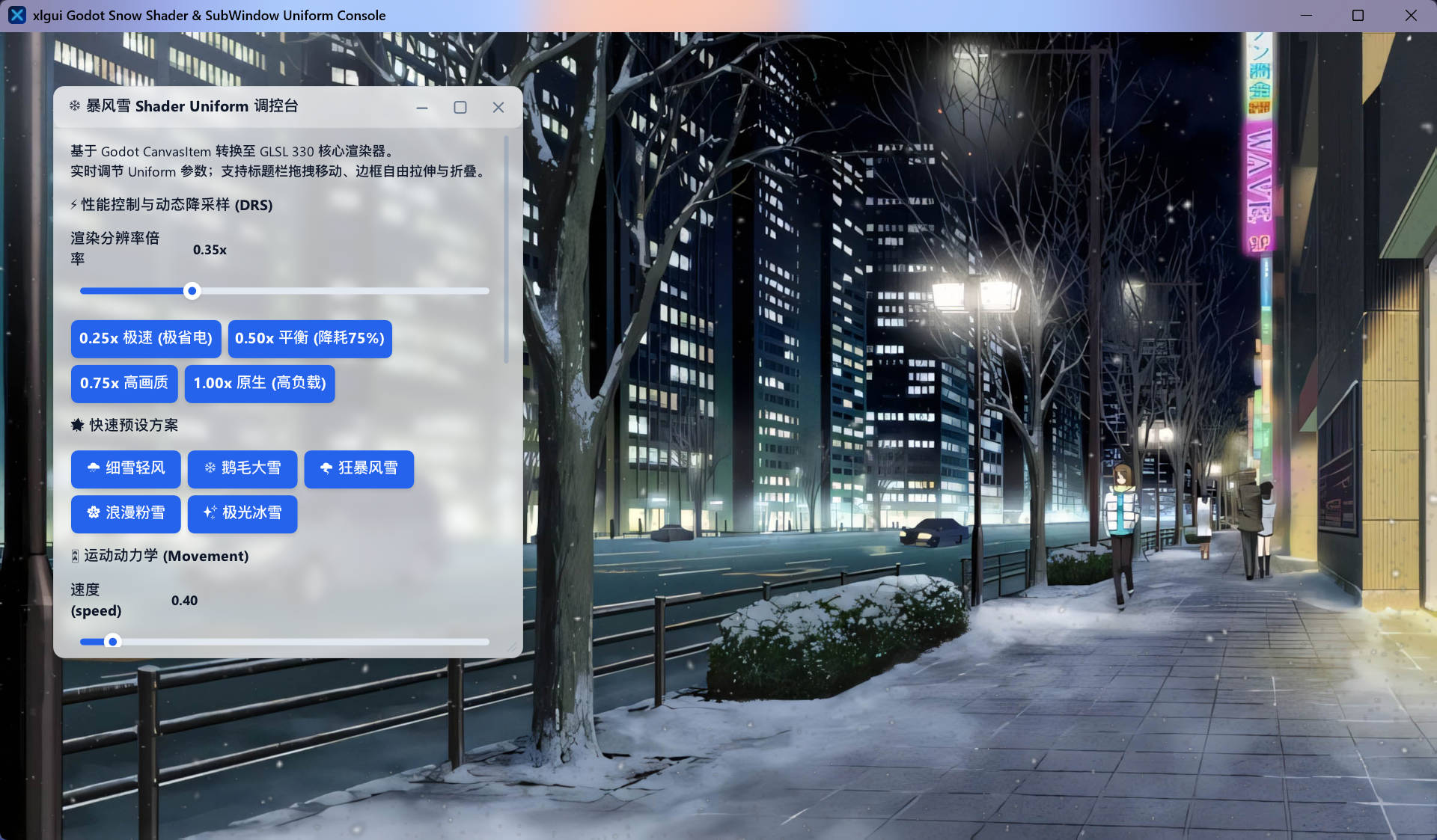
总而言之,这是一个保留模式的gui框架,基于sdl3+nanovg。
我记得我一开始对编程真正感兴趣,就是因为winform,vs的拖拽式做布局很有意思,我那时还做了一些程序,可惜没有持久存下来留念。我对gui始终有种说不出的喜欢,记得以前我特别喜欢欣赏软件的界面。你可以观察这个gui的语法范式。我借鉴了一些css、vue3、dom api和swiftui的设计概念。我懒得写了。